Every brew,
remembered.
Your coffee journal for iPhone and iPad.
Keep your beans, recipes, and tasting notes together. Look back at what worked, see how your brewing changes, and repeat your favorite cups.
Free to download, with optional Premium.
Requires iOS 18 or later.
Log manually or connect a compatible Bluetooth scale.
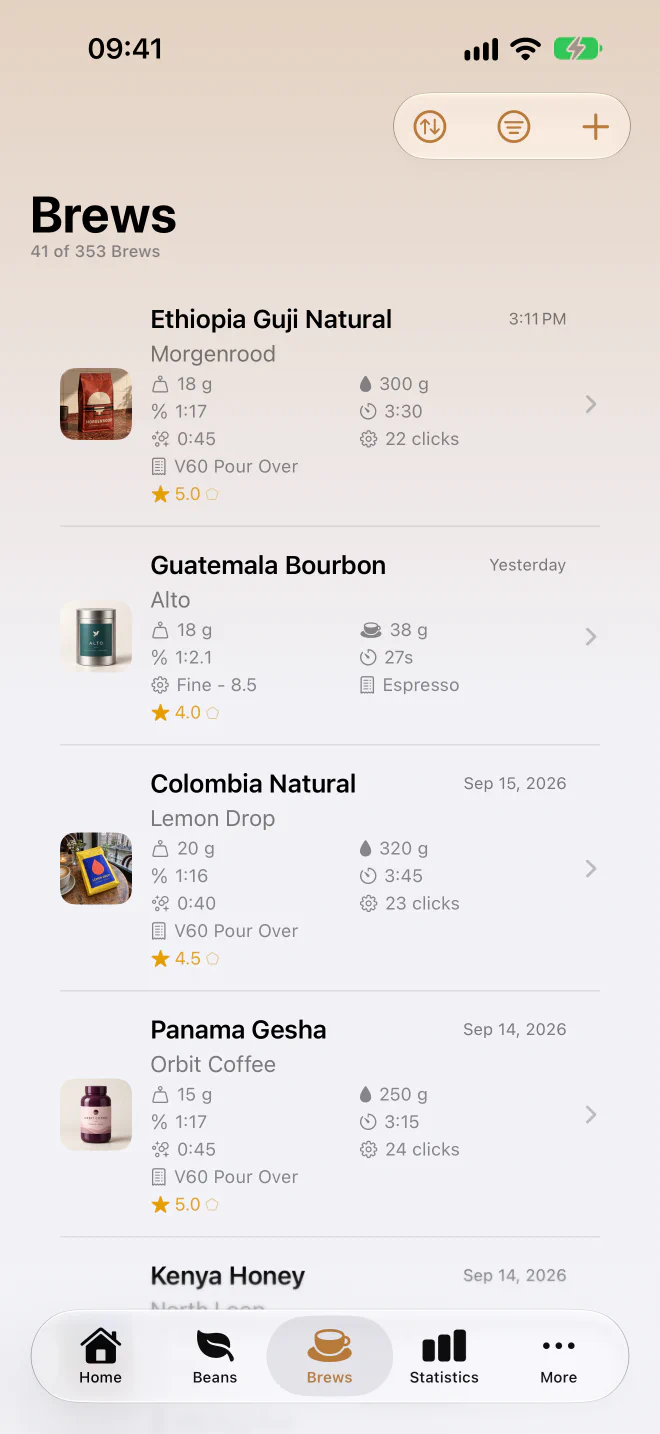
Record your brew.
From your morning espresso to a slow Sunday pour-over. Save the bean, dose, grind setting, and time, then add a rating and a note on how it tasted.
Explore brew loggingFind it again.
That cup you loved last week? Keep the recipe behind it. Browse your history and repeat a brew with its settings already filled in.
How repeating a brew worksLearn as you go.
A few tasting notes become a useful history. Discover the beans you rate highest and find patterns in the recipes you enjoy.
Explore your statistics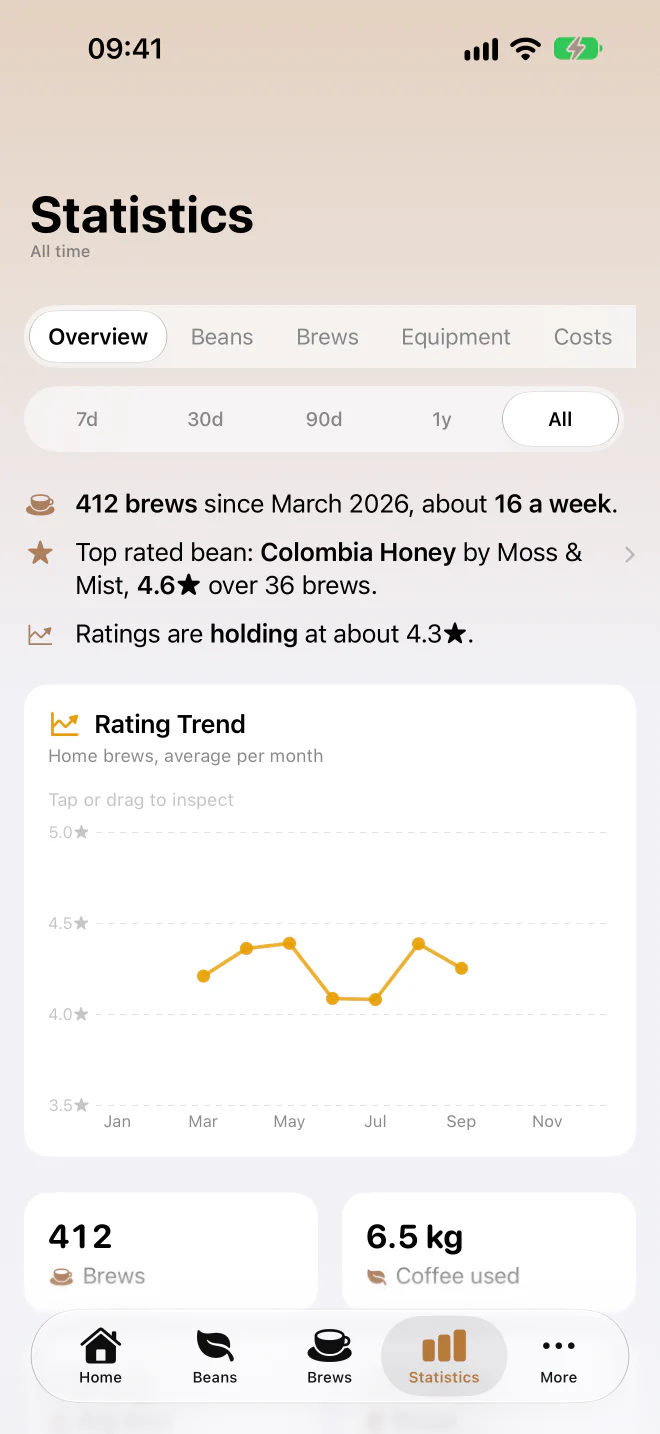
A little more with
every brew.
Your journal gets more useful as you fill it. Beanstats brings your recipes, ratings, and beans together so you can see what you keep coming back to.
Remember what you enjoyed
See your top-rated beans and how your ratings change over time. Insights draw on your recorded brews and feedback.
Keep track of the bag, too
Logging a brew deducts the coffee you used from your inventory. Keep roast dates, roasters, and the beans still in your cupboard close at hand.
Explore bean trackingLet your scale help
A compatible Bluetooth scale can record weight as you brew. When repeating a brew with scale data, follow its previous weight curve.
Check compatible scalesStart with your next cup.
Download Beanstats for free and start your coffee journal. Premium is available when you want your full history and more.

Already using Beanstats? Visit the getting-started guide or browse the documentation.
- Free
- Log your brews, manage your beans, and explore your last 30 days of brew history and statistics.
- Premium
- Access your full brew history, longer-term statistics, cost analytics, and webhooks. Choose a monthly, yearly, or lifetime purchase in the app.